AGENCY PowerPoint Template: Streamline Your Business Presentations
Every entrepreneur, designer, or agency owner knows the sinking feeling of staring at a blank presentation slide minutes before a high-stakes pitch. You have the data, you have the strategy, but you don't have the visual framework to tie it all together. This is where the AGENCY Powerpoint Presentation Template steps in to bridge the gap between a great idea and a professional delivery. It is not just a collection of slides; it is a structured system designed to bring your company to the next level by ensuring your visual communication is as sharp as your business acumen.
More Than Just Slides: A Modern Business Asset
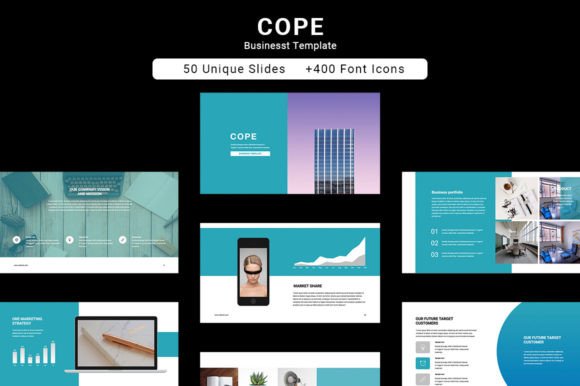
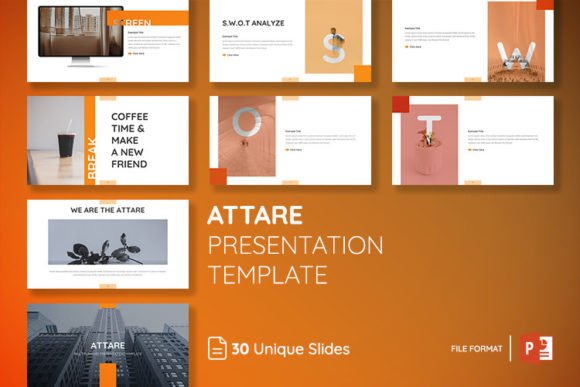
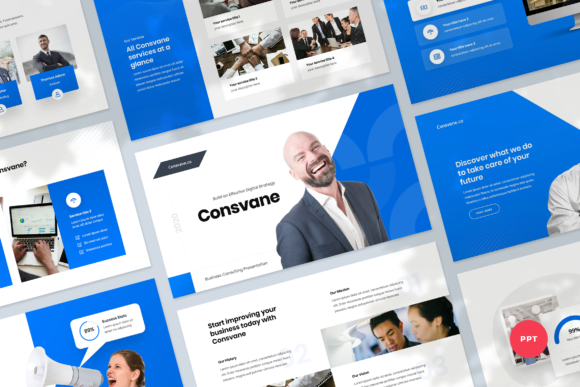
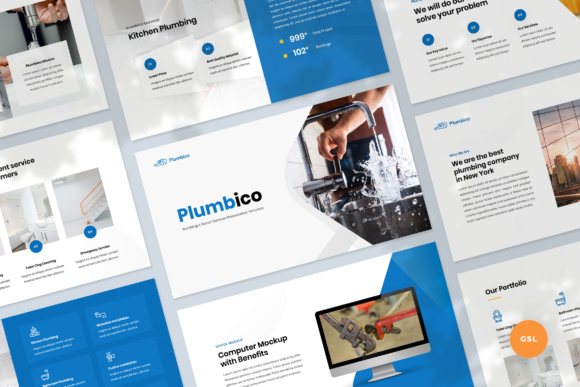
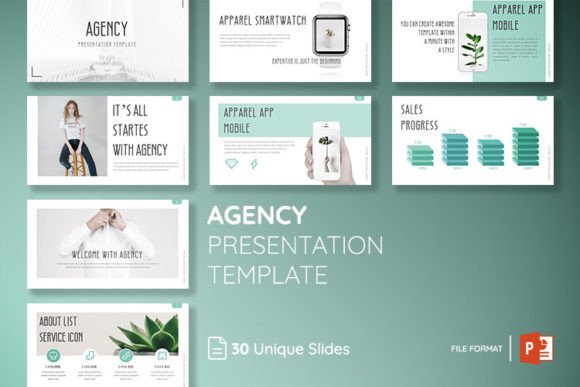
At its core, the AGENCY Powerpoint Presentation Template is built for speed and versatility. With 150 total slides spread across 30 unique layouts, it provides a robust foundation for almost any business scenario. The design philosophy here leans heavily on modern typography and clean aesthetics. You won't find cluttered backgrounds or distracting animations. Instead, the focus is on whitespace, strong grid systems, and a professional hierarchy that guides the viewer's eye exactly where it needs to go.
The visual personality of this template is confident and understated. It functions much like a high-quality sans serif font—it communicates clearly without getting in the way of the message. Whether you are a marketer pitching a new campaign, a designer showcasing a portfolio, or a small business owner presenting quarterly results, the template adapts to your content rather than forcing your content to adapt to it.
Design Flexibility and Practical Features
One of the most significant hurdles with generic presentation files is the lack of editability. The AGENCY Powerpoint Presentation Template solves this by ensuring all elements are fully editable and resizable. This level of control is crucial for maintaining brand identity. If your company uses a specific premium font or a distinct color palette, you can easily integrate these assets into the master slides.
The inclusion of 5 themes color is a practical feature that saves time during the design phase. Instead of manually adjusting RGB values, you can switch the entire mood of the presentation with a single click. This is particularly useful for content creators and agencies that manage multiple client accounts. Furthermore, the template utilizes a "drag and drop" picture system. This means you don't need to be a PowerPoint wizard to achieve a polished look; simply drop your high-resolution images into the pre-defined placeholders, and the layout handles the rest.
The package includes a comprehensive Icon Library. In web design and digital presentations, icons are the shorthand of visual language. They break up text-heavy slides and reinforce key points instantly. Having a library built into the file ensures that your icons match the modern typography style of the slides, maintaining visual consistency throughout the deck.
Visual Hierarchy and Audience Engagement
A presentation is essentially editorial design in a digital format. Just as a magazine layout uses headlines, subheads, and pull quotes to manage flow, the AGENCY Powerpoint Presentation Template uses size and weight to create a visual hierarchy. This is vital for audience engagement. If every slide looks the same, or if the text is too dense, you risk losing your audience's attention.
The layouts are designed to handle varying amounts of content. Some slides are minimal, perfect for a single powerful statement or a logo design reveal. Others are grid-based, ideal for comparing data or showcasing a brand identity system. By utilizing these varied layouts, you create a rhythm in your presentation—alternating between intense focus and visual breathing room. This mimics the principles of font pairing, where contrast keeps the viewer interested.
Practical Application: From Pitch Decks to Pitches
How does this template fit into your specific workflow? For entrepreneurs and freelancers, the "Save Time, Save Money" promise is tangible. Instead of spending hours drawing rectangles and aligning text boxes, you are simply curating content. This allows you to focus on the narrative of your pitch rather than the mechanics of the software.
Consider the needs of a marketing agency. A client presentation often requires a mix of data visualization, mood boards, and strategy maps. The AGENCY Powerpoint Presentation Template accommodates this diversity. You can use the photo not included aspect to your advantage by filling the image placeholders with campaign assets, mockups of packaging design, or screenshots of social media graphics. This turns the presentation into a living portfolio.
For bloggers and publishers, the template serves as an excellent tool for creating media kits or sponsorship proposals. The clean, professional look elevates your perceived value. When you present a media kit that looks like it was designed by a top-tier agency, potential sponsors are more likely to view you as a serious business partner.
Maximizing the Toolkit
To get the most out of this asset, it is important to treat it as a starting point, not a finished product. While the AGENCY Powerpoint Presentation Template provides the structure, your content provides the soul. Here are a few tips for integrating it into your workflow:
- Customize the Master Slides: Before you start adding content, spend five minutes updating the master slides with your brand fonts and colors. This ensures that every new slide you create automatically adheres to your brand identity.
- Curate Your Images: Since photos are not included, choose imagery that aligns with the modern aesthetic of the template. High-contrast, well-lit photos work best. Avoid cluttered stock images that might clash with the clean lines of the layout.
- Utilize the Icon Library: Don't just rely on text. Use the included icons to visualize concepts. For example, if you are listing features, place an icon next to each bullet point to aid in readability.
Ultimately, the goal of any presentation is to persuade and inform. The AGENCY Powerpoint Presentation Template removes the friction of design production, allowing you to focus on strategy. It is a versatile tool that adapts to the needs of designers, crafters, hobbyists, and corporate professionals alike. By leveraging its clean structure and editable features, you can ensure that your next presentation is not just seen, but remembered.