Simple Bussines - Google Slides: A Ready-to-Use Template for Your Next Pitch
More Than Just Slides: A Foundation for Your Brand's Story
There's a particular kind of dread that comes with opening a blank presentation. The cursor blinks, waiting. You know the content is solid, the idea is strong, but how do you translate that into a visual story that holds a room? This is where many great ideas get stuck, bogged down in aligning text boxes and searching for that one perfect stock photo. The Simple Bussines - Google Slides template is designed to get you past that hurdle. It’s not just a collection of pre-made slides; it's a strategic starting point for building a compelling narrative for your business, your brand, or your next big project.
At its core, this presentation template offers a clean, professional, and modern aesthetic. It avoids flashy distractions and overly complex design elements, which allows your message to take center stage. The visual personality is one of clarity and confidence. It’s the kind of design that feels both contemporary and timeless, making it a versatile asset in your design assets library. Whether you're a startup founder crafting a pitch deck, a creative agency showcasing a portfolio, or a small business owner outlining a company profile, the template provides a consistent and polished framework.
Unpacking the Toolkit: What Makes This Template Practical?
The true value of any tool lies in its usability. The Simple Bussines - Google Slides template is built with the end-user in mind, focusing on efficiency and flexibility. You receive a comprehensive package designed to streamline your workflow, not complicate it.
Here’s a breakdown of what you’re working with:
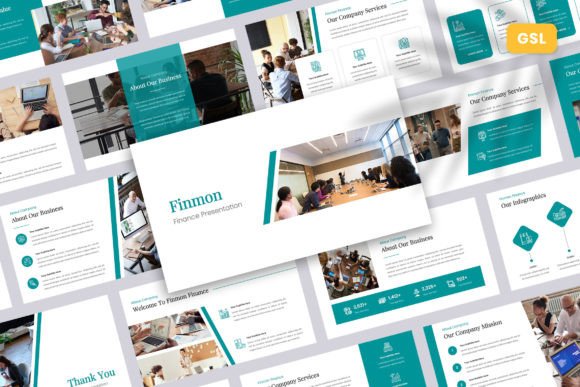
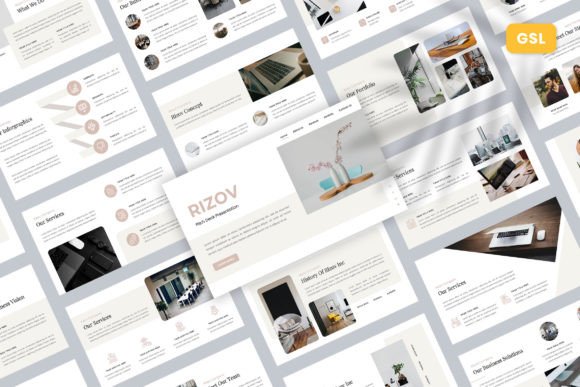
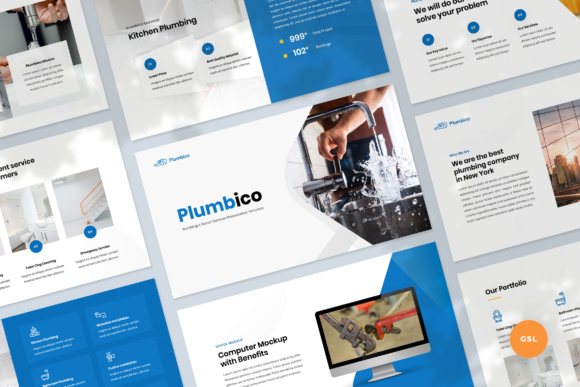
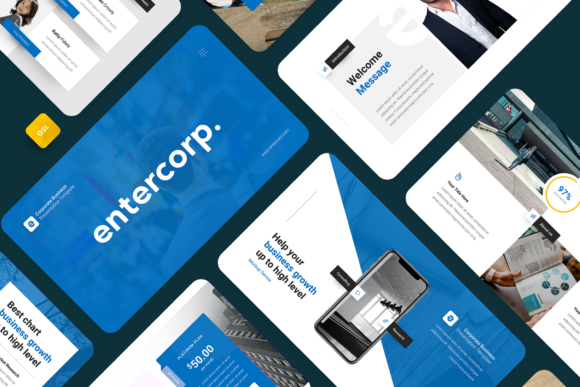
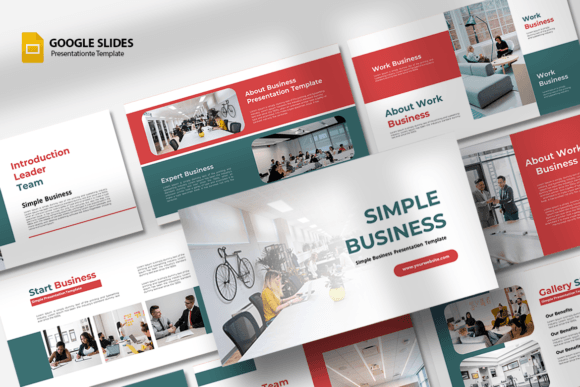
- 15 Unique, Custom Slides: Each slide serves a distinct purpose, from a powerful title slide to detailed content layouts, team bios, and data-driven charts. This structure helps you build a logical flow for your presentation without starting from zero.
- Drag & Drop Image Placeholders: Integrating your own visuals is effortless. The placeholders are clearly defined, allowing you to simply drag your photos from your desktop into the frame. This feature is a massive time-saver and ensures your images are perfectly scaled and positioned every time.
- Fully Editable Elements: Every component of the template is customizable. You can change colors to match your brand identity, swap out fonts, adjust the size and position of shape & other elements, and edit all text directly. This level of control ensures the final presentation feels uniquely yours.
- Standard 16:9 Aspect Ratio: The widescreen format is the modern standard for presentations, ensuring your slides look great on any screen, from a laptop to a large conference room projector.
The main file included is a PPTX file, which is fully compatible with Google Slides. While the images shown in previews are not included, the intuitive placeholder system makes adding your own imagery a seamless part of the design process. It’s a true presentation ready to use and easy editable solution.
Real-World Applications: Where This Template Shines
A good template is a chameleon, adapting to the context it's placed in. The versatility of Simple Bussines - Google Slides makes it a powerful tool across numerous fields. Its clean lines and professional demeanor make it suitable for both internal communications and high-stakes external pitches.
Consider these practical applications:
- For Entrepreneurs and Startups: Your pitch deck is often the first impression investors get of your vision. This template provides a structured, credible foundation that lets you focus on your story and numbers, not on graphic design. It helps you build a brand identity that appears established and serious from day one.
- For Creative Professionals and Agencies: Use it to create a stunning portfolio presentation. The clean layouts ensure your work—be it photography, design, or marketing campaigns—remains the hero. It’s an excellent tool for client-facing proposals and project kick-off meetings.
- For Marketers and Content Creators: Develop compelling social media graphics presentations, content strategy outlines, or campaign performance reports. The template’s visual hierarchy guides your audience through complex information in a digestible way.
- For Small Business Owners: Craft a professional company profile to share with potential partners, clients, or new hires. It can also be adapted for internal training materials, quarterly reviews, or strategic planning sessions, ensuring consistency in all your business communications.
Making It Your Own: A Guide to Customization and Brand Alignment
Getting the template is the first step; making it work for your specific brand is the next. The key is to approach customization with intention. The goal isn't just to change colors, but to reinforce your brand identity at every turn.
Start by establishing a simple color palette derived from your logo or brand guidelines. Use the template’s easy color-change features to apply this palette across all slides for immediate consistency. Next, consider the typography. While the template uses a free, readable font, you can often pair it with a serif font for headings or a sans serif font for body text to create a more distinct typographic voice that aligns with your brand's personality.
When adding content, think about visual hierarchy. Use the larger text areas for your main points and the smaller areas for supporting details. The pre-designed layouts are built to guide the eye, so trust their structure. For imagery, choose high-quality photos that reflect your brand's tone—whether that's corporate and polished or creative and energetic. Consistency in your image style is just as important as consistency in your color and fonts. By thoughtfully applying your own assets, you transform this premium font